12 unit categories
Convert Length, Weight, Temperature, Volume, Area, Speed, Time, Data, Pressure, Energy, Power and Angle.

Convert any unit instantly. Works offline.
UtilitiesUnit Converter covers 12 everyday categories — Length, Weight, Temperature, Volume, Area, Speed, Time, Data, Pressure, Energy, Power and Angle — with a simple From/To layout, adjustable precision, and search to jump straight to the unit you need. Mark units as favorites or pull them from Recent for quick access. An optional Conversion Insights panel goes beyond the plain result with the formula used, a step-by-step calculation explanation, a reverse conversion, scientific notation and related units — unlock it for free by watching a short video, spend a pass, or get unlimited access with Pro. The app also bundles a small set of everyday device tools — Compass, Battery status, Metal Detector and Flashlight — in its Tools tab, so you don't need a separate app for them. Every conversion runs on-device, so the app works fully offline with no data sent anywhere to compute a result. Unit Converter is available in 14 languages, with a free version supported by ads and an optional Pro upgrade for unlimited Conversion Insights and an ad-free experience.
Real screens from the current app. Swipe or scroll to explore.
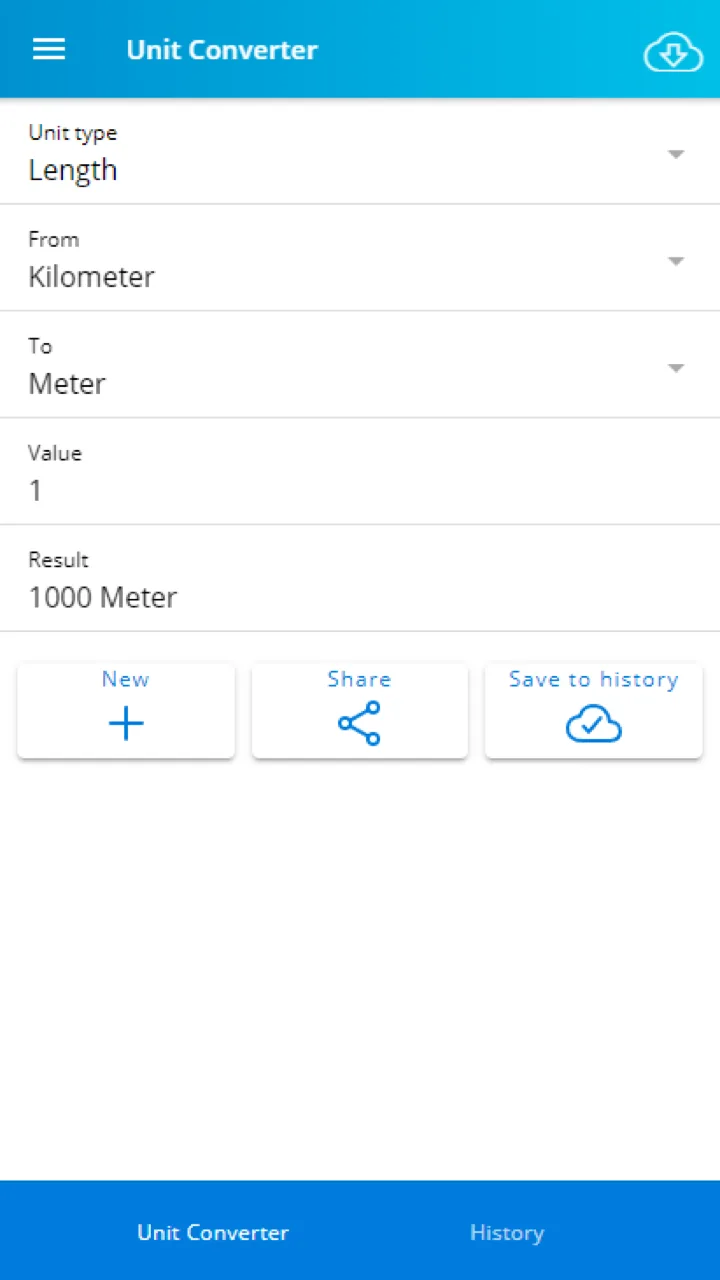
Pick a unit type and the From/To units, then see the converted result instantly.
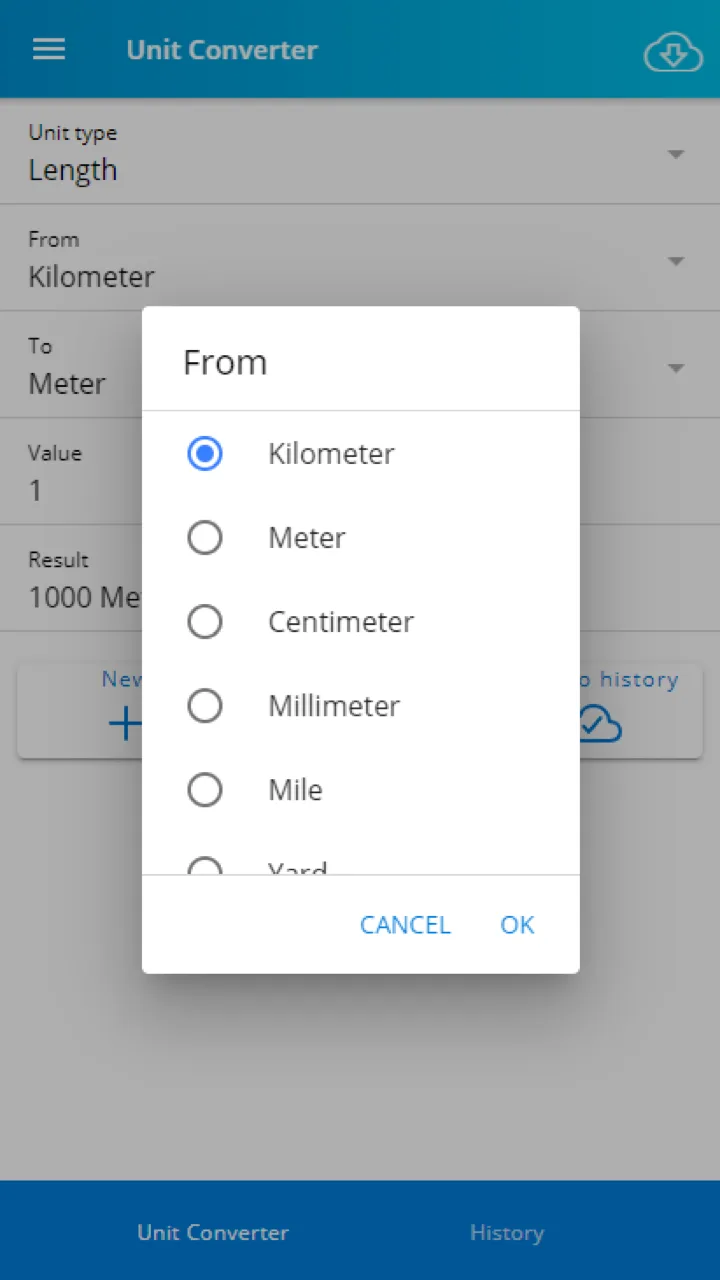
Pick the exact unit you are converting from a scrollable list.
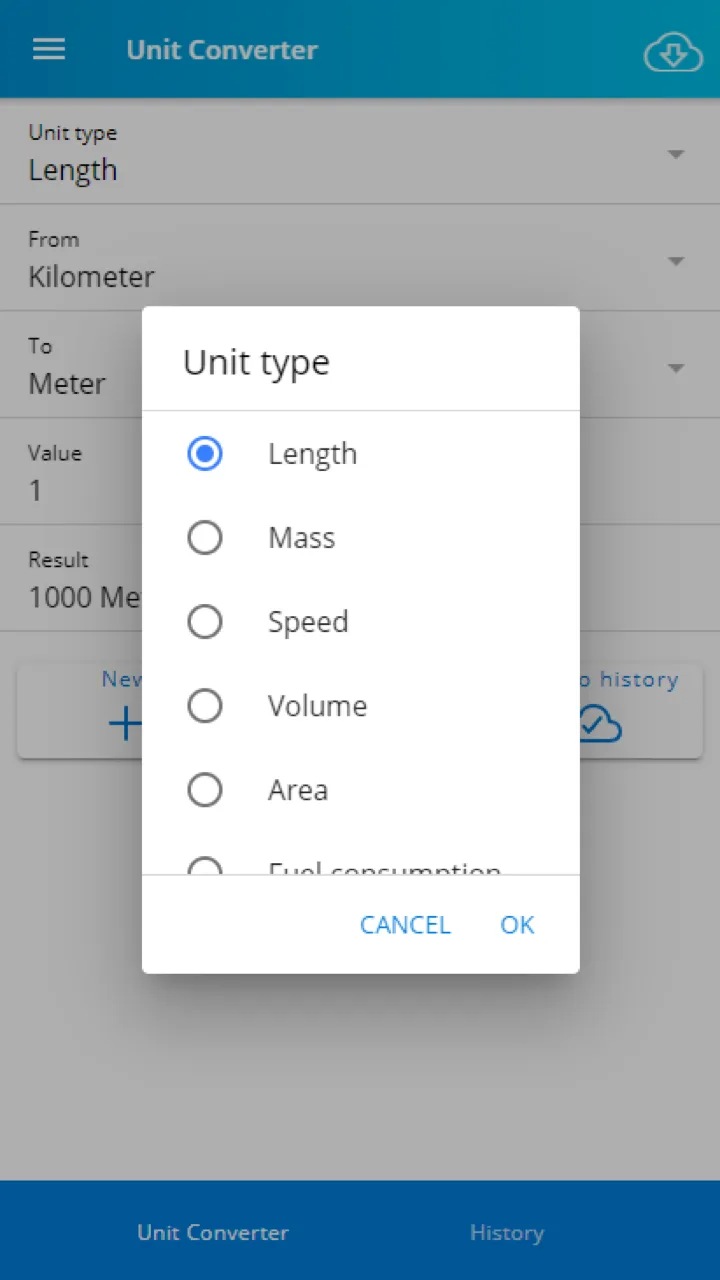
Switch between Length, Mass, Speed, Volume, Area and more unit categories.
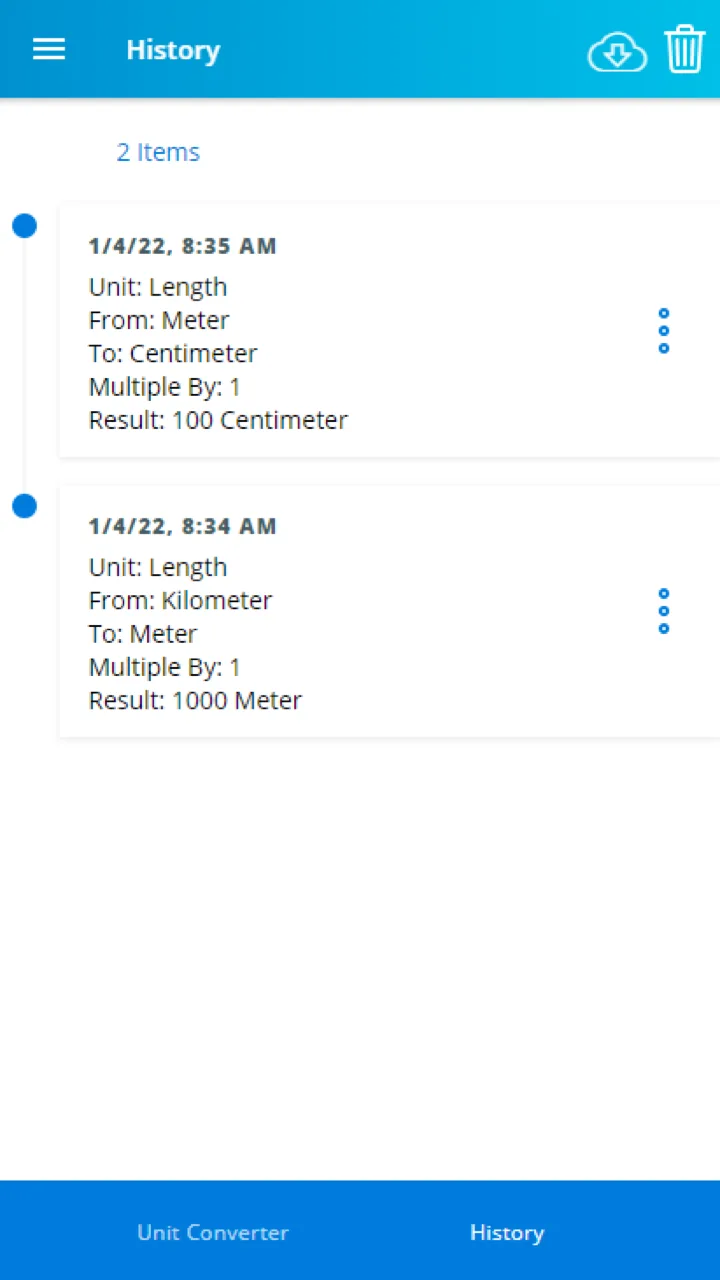
Review past conversions at a glance.
Convert Length, Weight, Temperature, Volume, Area, Speed, Time, Data, Pressure, Energy, Power and Angle.
Every conversion is saved so you can revisit past calculations without redoing the math.
Compass, Battery status, Metal Detector and Flashlight are one tap away in the Tools tab.
Convert Length, Weight, Temperature, Volume, Area, Speed, Time, Data, Pressure, Energy, Power and Angle.
Search for any unit directly instead of scrolling through long lists.
Pin the units you use most and jump back into recent conversions instantly.
See the formula, a step-by-step explanation, a reverse conversion, scientific notation and related units for any result.
Compass, Battery status, Metal Detector and Flashlight are one tap away in the Tools tab.
The full app, including Conversion Insights, is translated into 14 languages.
Length, Weight, Temperature, Volume, Area, Speed, Time, Data, Pressure, Energy, Power and Angle, all with adjustable precision.
Search across every category to find the exact unit you need.
Save frequently used units as favorites and revisit recent conversions quickly.
Formula, step-by-step calculation, reverse conversion, scientific notation and related units — free via video or pass, unlimited with Pro.
A Tools tab adds Compass, Battery status, Metal Detector and Flashlight alongside the converter.
Full interface and feature translations across 14 languages.
Complete guide to converting units of measurement. Quick reference tables for length, weight, temperature, volume, and more with conversion formulas.
Find the best baby tracking app for logging feeding, sleep, diapers, and growth milestones, with a feature comparison for new parents in 2026.
Length, Weight, Temperature, Volume, Area, Speed, Time, Data, Pressure, Energy, Power and Angle — 12 categories in total.
No, Unit Converter focuses on measurement units like length, weight and temperature rather than currency exchange rates.
An optional panel that shows the formula behind a conversion, a step-by-step explanation, the reverse conversion, scientific notation and related units for extra context.
Watch a short rewarded video for one free unlock, spend a pass if you have one, or subscribe to Pro for unlimited access.
Yes, a precision setting lets you control how many decimal places appear in your results.
Mark any unit as a favorite for one-tap access, and the app also keeps a Recent list of units you've used lately.
The Tools tab bundles a Compass, Battery status, a Metal Detector and a Flashlight alongside the unit converter.
Yes, every conversion and Conversion Insights calculation runs entirely on-device with no internet connection required.
Pro removes ads and gives unlimited access to Conversion Insights without watching videos or spending passes. Subscription and lifetime options are available in the app.
Open the app's Settings menu and use the Contact Support or Feedback option to reach the Unit Converter team directly.
Download now and try it free.
Other Yalintech apps you might find useful.