Automations and device tools
Create tap-to-run action sequences, check NFC availability and use the built-in compass, battery, flashlight and screen light tools.
NFC Write & Read Tags
Read, write and automate NFC tags with one practical toolkit.
UtilitiesNFC Write & Read Tags lets you read, write, copy and erase NDEF-compatible NFC tags directly from your phone, with tap-to-run automations for everyday actions. No account or setup is required — point your phone at a tag to get started.
Read NDEF tags, create multi-record tags, revisit scan history and build tap-to-run automations from one app. NFC Reader & Writer also includes a compatibility checker and a collection of practical device tools, with an optional Pro upgrade for higher limits.
Real screens from the current app. Swipe or scroll to explore.
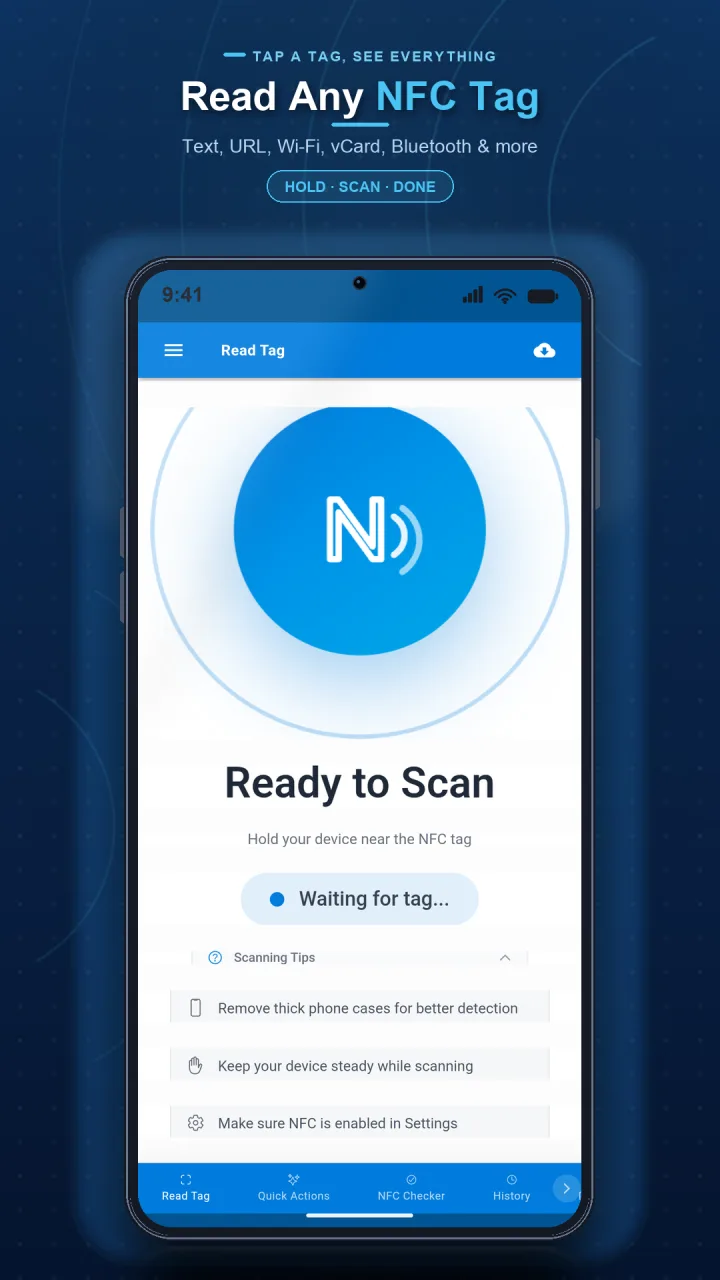
Scan a compatible NDEF tag and review its records.
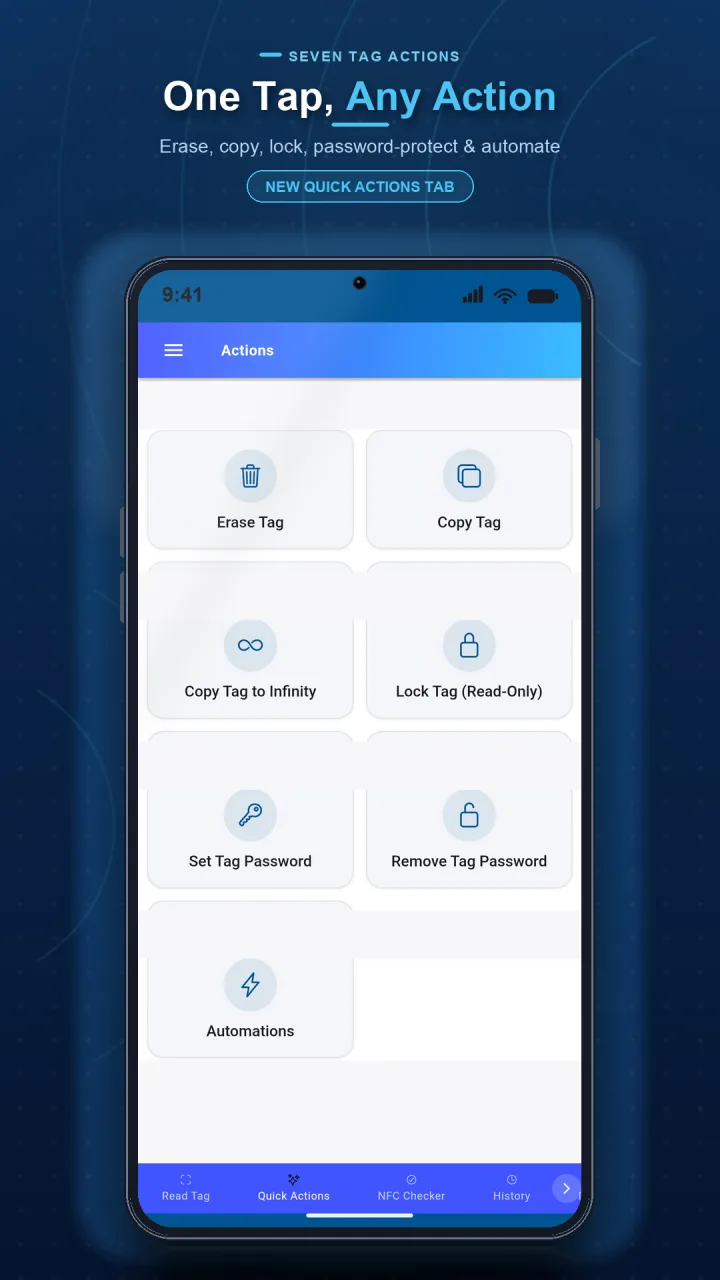
Create, copy, erase or manage compatible tags.
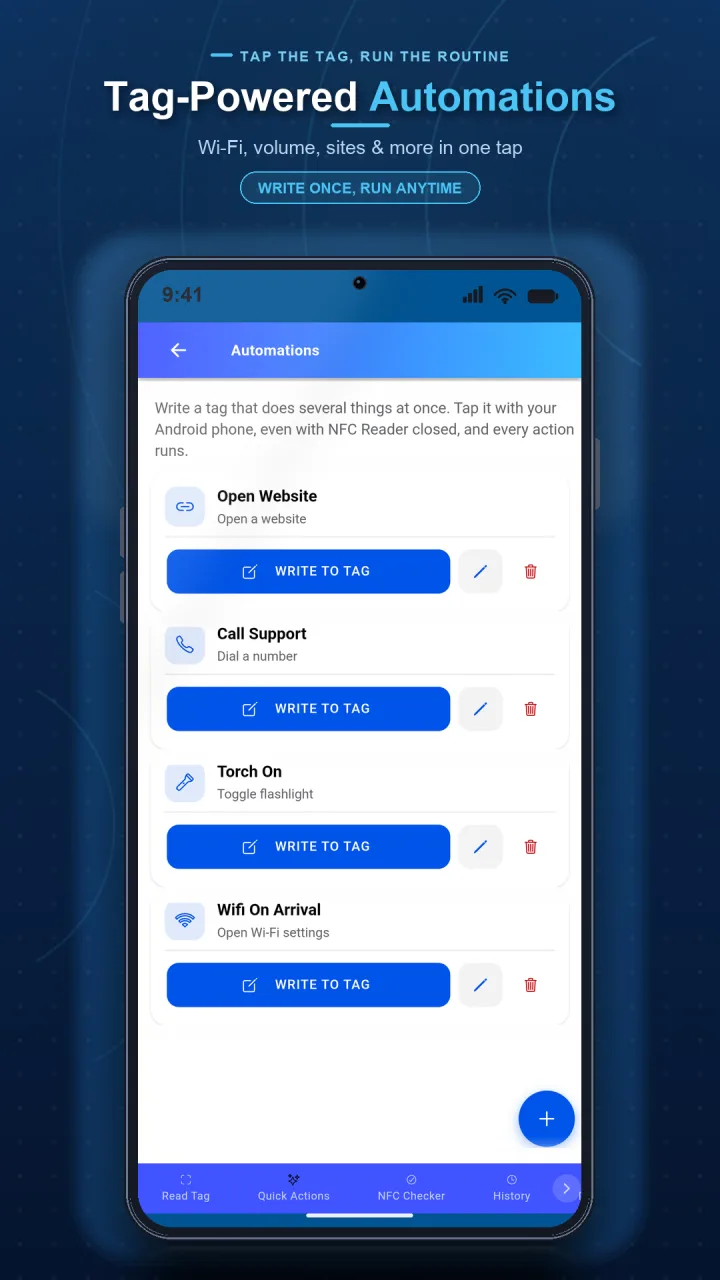
Connect a tag to a sequence of everyday phone actions.
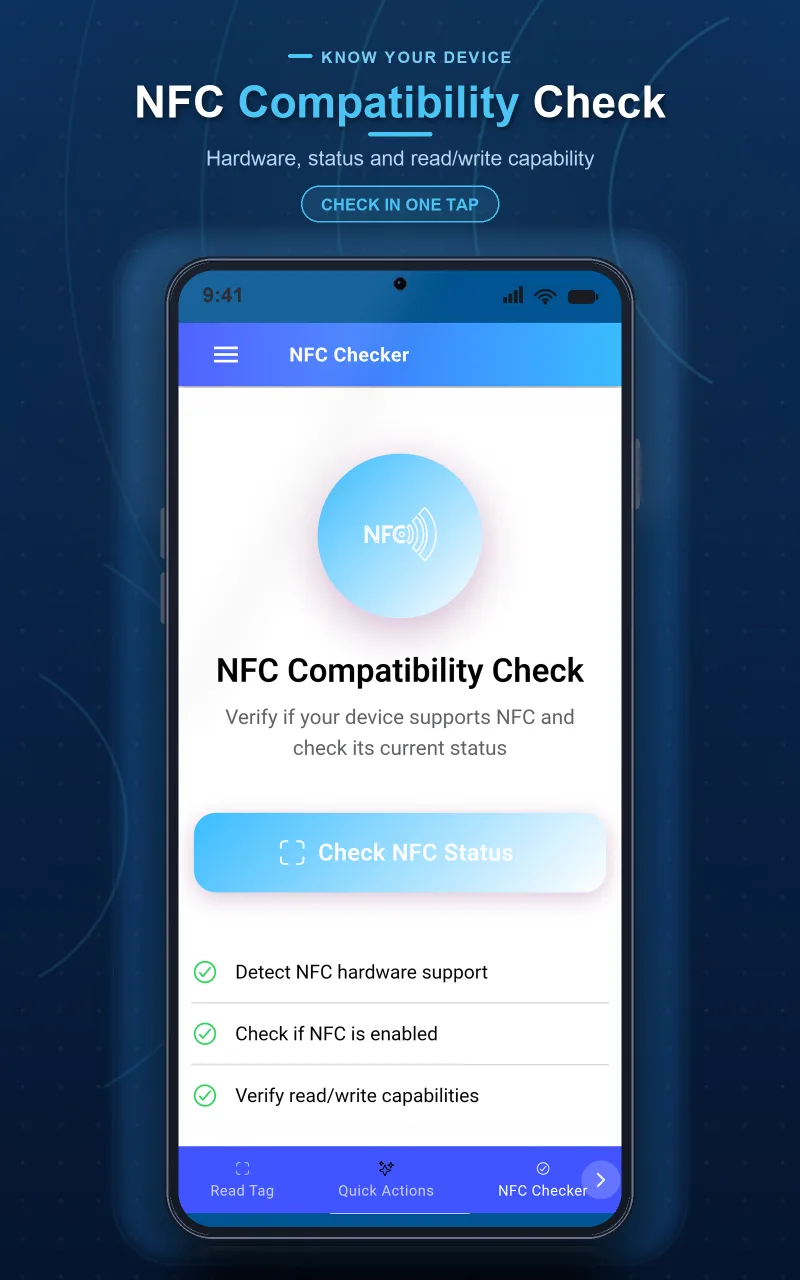
See device NFC availability before you begin.
Create tap-to-run action sequences, check NFC availability and use the built-in compass, battery, flashlight and screen light tools.
Choose monthly, yearly or one-time access. Eligible subscription offers can include a free trial; the store confirmation screen always shows the current terms before purchase.
We are refining PDF output for clearer, easier-to-share records. This work is not yet presented as an available feature.
Store URLs, contacts, text, Wi-Fi credentials, and more on any compatible NFC tag.
Run up to eight actions from a tag, including links, timers, notes, settings and flashlight actions. One automation is available free; Pro raises the limit.
Review scan history and inspect NDEF records, memory use and supported security details.
Check NFC support and quickly reach tools including compass, battery, flashlight and screen light.
Start immediately. Your data stays on your device.
Use the app in 17 supported interface languages, including English, Spanish, German, French and Hebrew.
Point your phone at any NFC tag to instantly see its contents. Supports text, URLs, contacts, phone numbers, and custom payloads.
Choose from 10+ data types to write. Set up smart home triggers, share contact info, or create custom automations.
Copy supported NDEF records to a writable, compatible NFC tag. Protected payment, identity, transit and access cards are not supported.
Clear supported, unlocked NDEF tags so they can be used again.
Reopen and share saved scans, and export history records when you need a portable copy.
Complete guide to writing NFC tags with your smartphone. Learn what data types you can write, which tags to buy, and how to set up smart home automations.
Check whether your Android phone or iPhone has NFC in under a minute, plus a troubleshooting table for when a tag won’t read even though NFC is on.
Compare NFC tag types by memory size and real-world fit — NTAG213, NTAG215, NTAG216 and MIFARE Classic — so you buy the right tag the first time.
Set up NFC tags around your home to automate everyday tasks. Learn how to program NFC tags for smart home control on both iPhone and Android devices.
The app is free to download and includes core NFC tools. Optional Pro access is offered monthly, yearly or as a one-time purchase. Eligible subscription offers may include a trial; your store confirmation shows the current price and terms.
Most modern smartphones support NFC. On iPhone, NFC works on iPhone 7 and newer. On Android, check Settings > Connected devices or Settings > NFC to verify support.
You can write compatible, unlocked NDEF tags. Support depends on both your phone and the tag technology; iPhone supports NDEF-formatted NFC Forum Type 1–5 tags but not MIFARE Classic.
No. The app copies supported NDEF records to compatible writable tags. It cannot clone encrypted payment, transit, identity, hotel-key or access-control credentials.
NFC tag contents and scan history are processed and stored on your device, not uploaded to Yalintech servers. Core read and write operations remain available without an account.
Choose Erase Tag and hold your phone near a supported, rewritable tag. Locked, write-protected and unsupported tags cannot be erased.
On supported devices, one tag can trigger a sequence of up to eight actions such as opening a link or app, starting a timer, showing a note, copying text, changing selected settings or turning on the flashlight. Platform restrictions apply.
Blank NDEF tags are available from major online marketplaces and electronics suppliers. Check that the tag is rewritable and compatible with your phone before buying.
Yes. The app can write Wi-Fi network name, password, and security type to a tag. Guests can tap the tag to connect automatically without typing the password.
Visit our Contact page or use the feedback option in the app.
Download now and see why millions of users trust our apps.
Other Yalintech apps you might find useful.