Screen Light with color presets and strobe
Use the display as a colored light with quick-color presets, a custom color picker and a strobe effect.

Flashlight Pro
A feature-rich flashlight app with SOS, screen light and quick-settings shortcuts.
UtilitiesFlashlight Pro turns your phone's camera flash into an instant torch, with SOS, a screen-light mode and quick-settings shortcuts. If the torch stops responding, see why your flashlight isn't working for the common causes and fixes.
Flashlight turns your phone's camera flash into an instant torch, free for everyone, with an SOS mode that plays the international distress signal pattern (3 short, 3 long, 3 short) and a home-screen widget plus quick-settings tile and shortcuts so you can turn it on without opening the app. A Screen Light mode uses your display as a colored light with quick-color presets, a custom color picker and a strobe effect. Upgrading to Pro unlocks brightness adjustment on phones with dimmable flash hardware, shake-to-toggle, a Morse code beacon that types out a message and flashes it, auto-off when the battery gets low, longer timers up to 240 minutes, unlimited insights, priority support and an ad-free experience. Flashlight is an Android app and is available in 14 languages. Because brightness control depends on the phone's flash hardware supporting dimming, that specific Pro feature isn't available on every device even after upgrading.
Real screens from the current app. Swipe or scroll to explore.
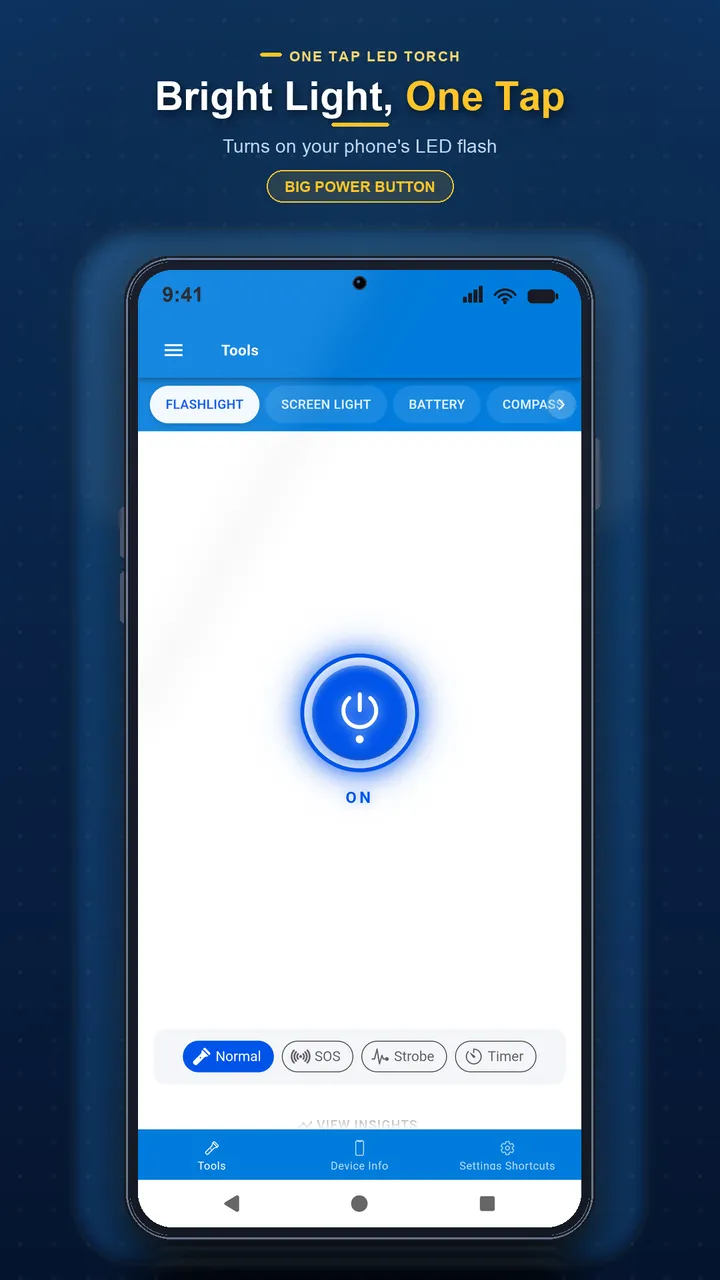
Turn your camera flash into a flashlight with one tap, completely free.
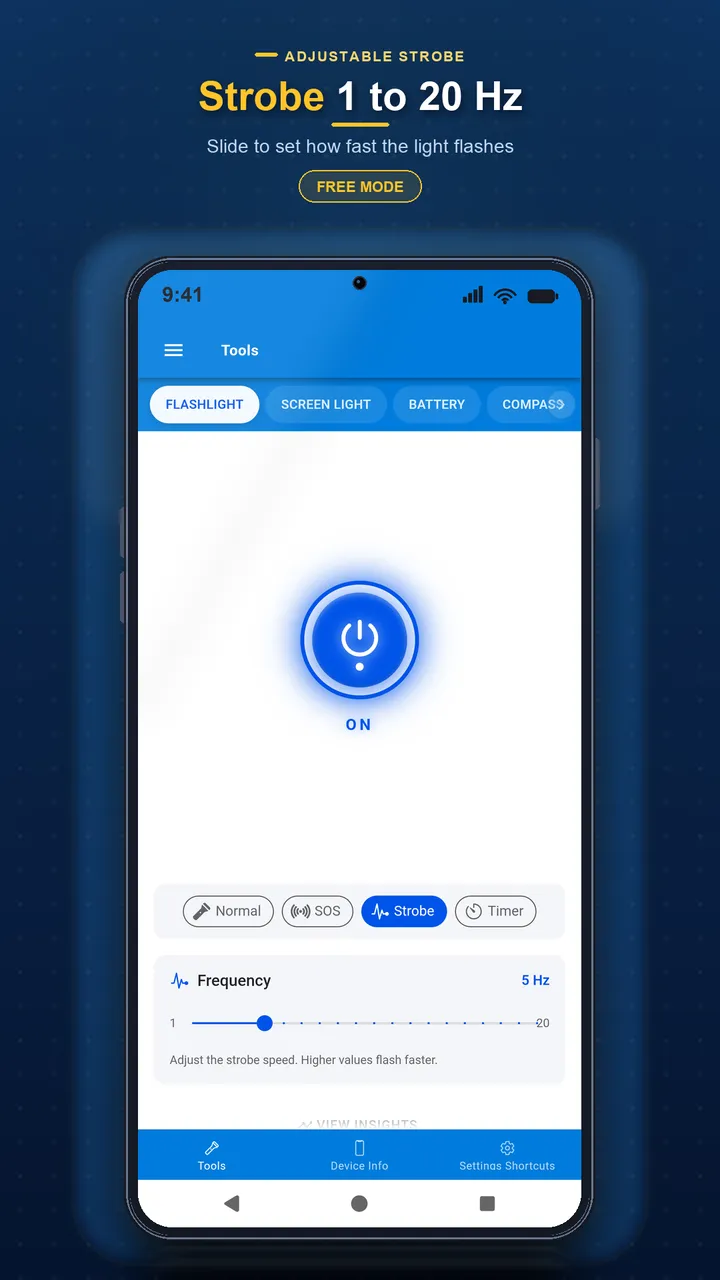
Flash the international distress pattern or a strobe effect on the screen or flash.
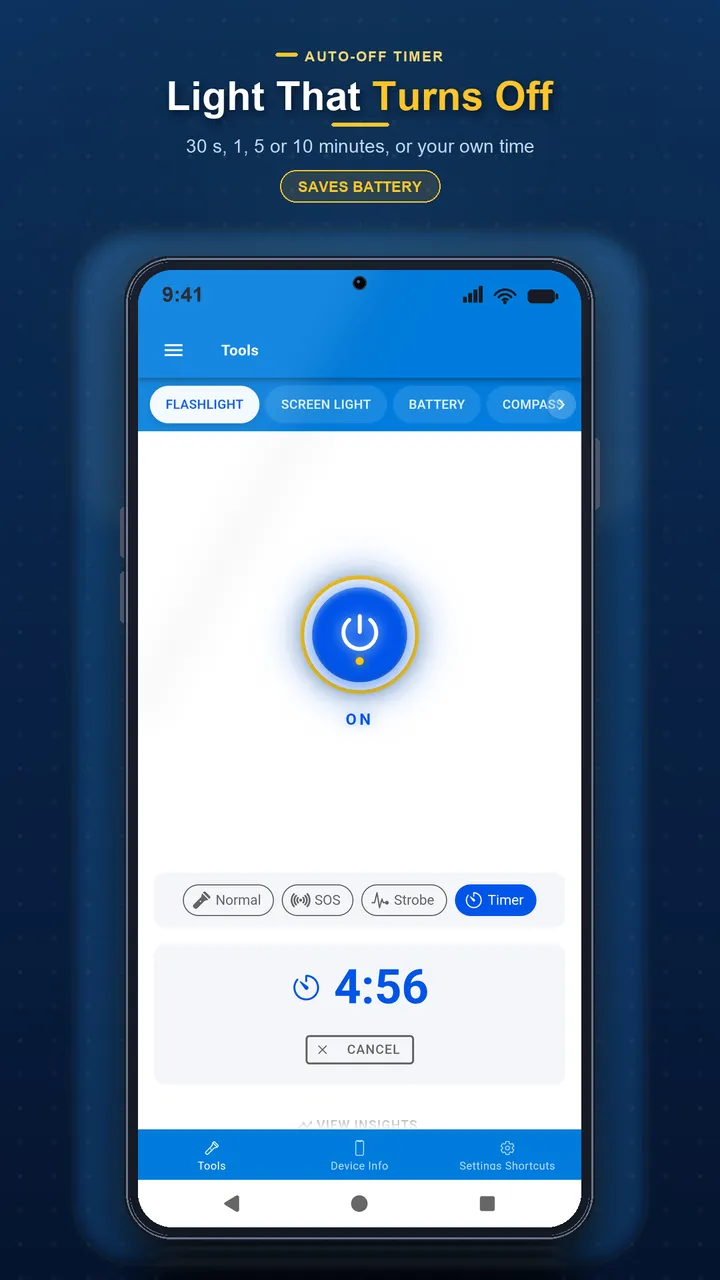
Set a timer to turn the light off automatically; Pro extends it up to 240 minutes.
Use the display as a colored light with quick-color presets, a custom color picker and a strobe effect.
Turn the torch, SOS or screen light on from a home-screen widget, quick-settings tile or shortcut without opening the app.
On phones with dimmable flash hardware, Pro adds brightness adjustment, shake-to-toggle, a Morse code beacon, auto-off at low battery and timers up to 240 minutes.
Turn your camera flash into a flashlight with one tap, completely free.
Flash the international distress signal pattern — 3 short, 3 long, 3 short.
Toggle the torch, SOS or screen light from a home-screen widget, quick-settings tile or shortcut without opening the app.
Use your screen as a colored light with quick presets, a custom color picker and a strobe effect.
Shake-to-toggle, a Morse code beacon, auto-off at low battery and timers up to 240 minutes.
The full app is translated into 14 languages.
Instant camera-flash torch and an SOS mode playing the international distress pattern, both free.
A home-screen widget, Android quick-settings tile and app shortcuts turn the torch or SOS on directly.
Use the display as a light with quick-color presets, a custom color picker and a strobe effect.
Adjust flash brightness on phones whose flash hardware supports dimming.
Type a message and flash it out as Morse code.
Automatically turn off at low battery, plus timers up to 240 minutes and shake-to-toggle.
Learn how to check your phone battery health, understand capacity degradation, and get tips to extend battery lifespan on Android and iPhone.
Compare the best flashlight apps for Android, with LED flash, screen colors, SOS mode, strobe, and quick settings shortcuts, to find the right one for you.
Flashlight won't turn on? Check the five most common causes — camera in use, battery saver, overheating, permissions and a stuck app — with fixes for each.
Complete guide to converting units of measurement. Quick reference tables for length, weight, temperature, volume, and more with conversion formulas.
Yes, the core torch, SOS mode, Screen Light, and the home-screen widget, quick-settings tile and shortcuts are all free.
It flashes the internationally recognized distress signal pattern — three short flashes, three long, then three short — on a loop.
Brightness control is a Pro feature, and it only works on phones whose flash hardware supports dimming. On devices without dimmable flash hardware, this specific feature won't be available even with Pro.
A Pro feature that lets you type a message and have the flashlight blink it out in Morse code.
Yes, use the home-screen widget, the Android quick-settings tile, or an app shortcut to toggle the torch, SOS or screen light directly.
A mode that uses your screen as a light source, with quick-color presets, a custom color picker and a strobe effect — useful when you don't want to use the camera flash.
A Pro feature that lets you turn the flashlight on or off by shaking your phone, without touching the screen.
No, Flashlight is currently an Android-only app.
Pro adds brightness control (on supported hardware), shake-to-toggle, the Morse code beacon, auto-off at low battery, timers up to 240 minutes, unlimited insights, priority support and removes ads.
Open the app's Settings menu and use the Contact Support or Feedback option to reach the Flashlight team directly.
Download now and see why millions of users trust our apps.
Other Yalintech apps you might find useful.