Smart edge detection with manual adjustment
Automatic document edge detection with manual corner adjustment, so a scan still comes out straight when the auto-detect needs a nudge.

Document Scanner & PDF
Scan documents, extract text, and create PDFs in seconds.
ProductivityDocument Scanner & PDF turns your phone's camera into a scanner, with automatic edge detection, folders and password-protected PDF export, plus on-device OCR to pull editable text out of a scan. If you just need text out of one photo and don't want to install an app, see every way to extract text from an image on your phone, including the native options built into iPhone and Android.
Document Scanner & PDF turns your phone's camera into a document scanner. Point it at a receipt, note, report, business card or any paper document and the app detects the edges automatically, lets you adjust the corners by hand, and converts the result to PDF. Scanned pages are organized into folders, can be reordered, cropped and filtered, and are saved as a local history you can revisit at any time. You can add a password to protect a PDF before sharing it, and send your files by email, messaging or any app on your device through the standard share sheet. Text recognition (OCR) reads more than 100 languages and turns a scan into editable, copyable text; it's a Pro feature, with a one-time free run available by watching a rewarded ad where offered. Backing up your scan history to a file is also part of Pro. Your documents and scan history stay on your device — nothing is uploaded to Yalintech servers, and there is no built-in sync to iCloud, Google Drive or Dropbox beyond sharing a file to those apps yourself. The app is available on iPhone and Android.
Real screens from the current app. Swipe or scroll to explore.
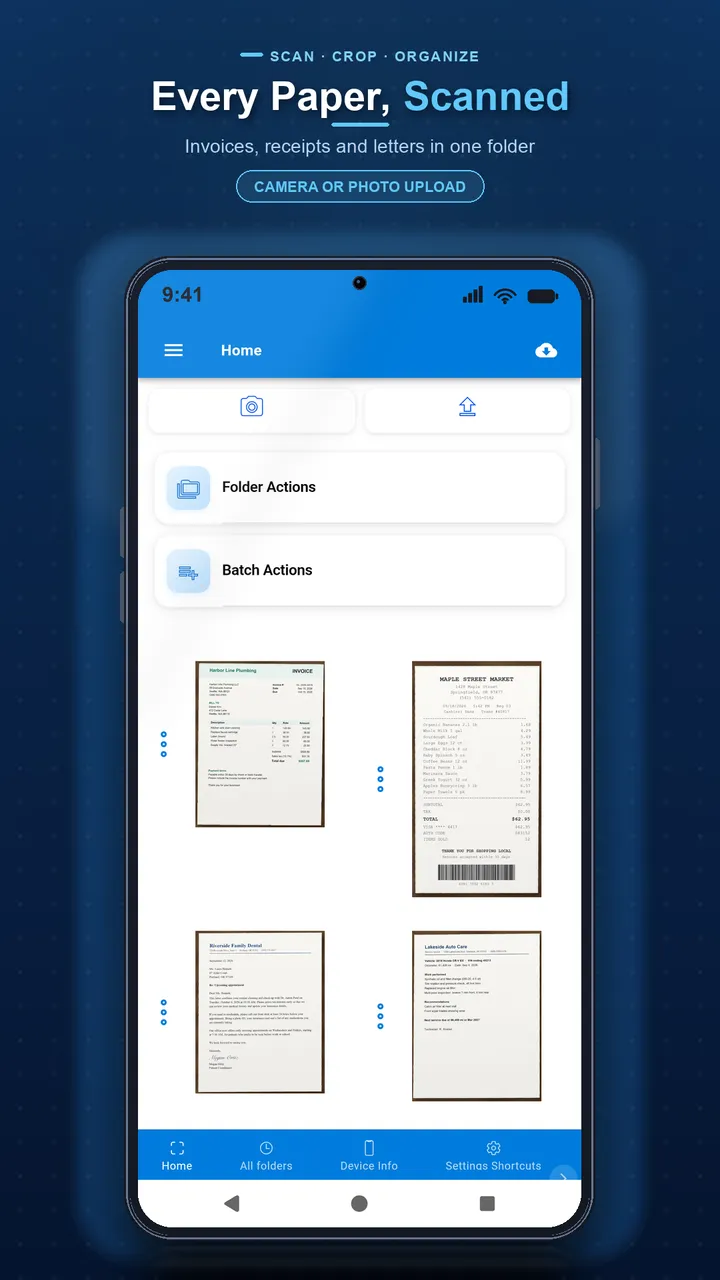
Automatic edge detection with manual corner adjustment turns a photo into a clean scan.
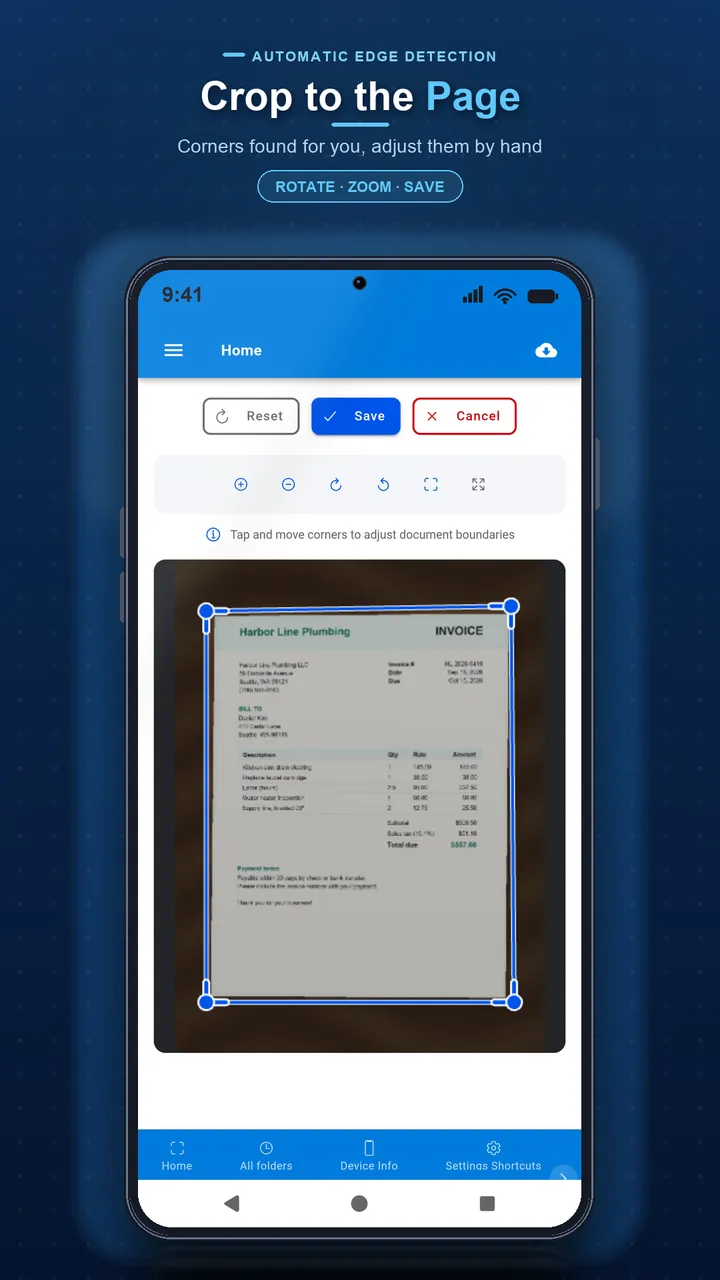
Adjust corners, apply a filter and reorder pages before finishing.
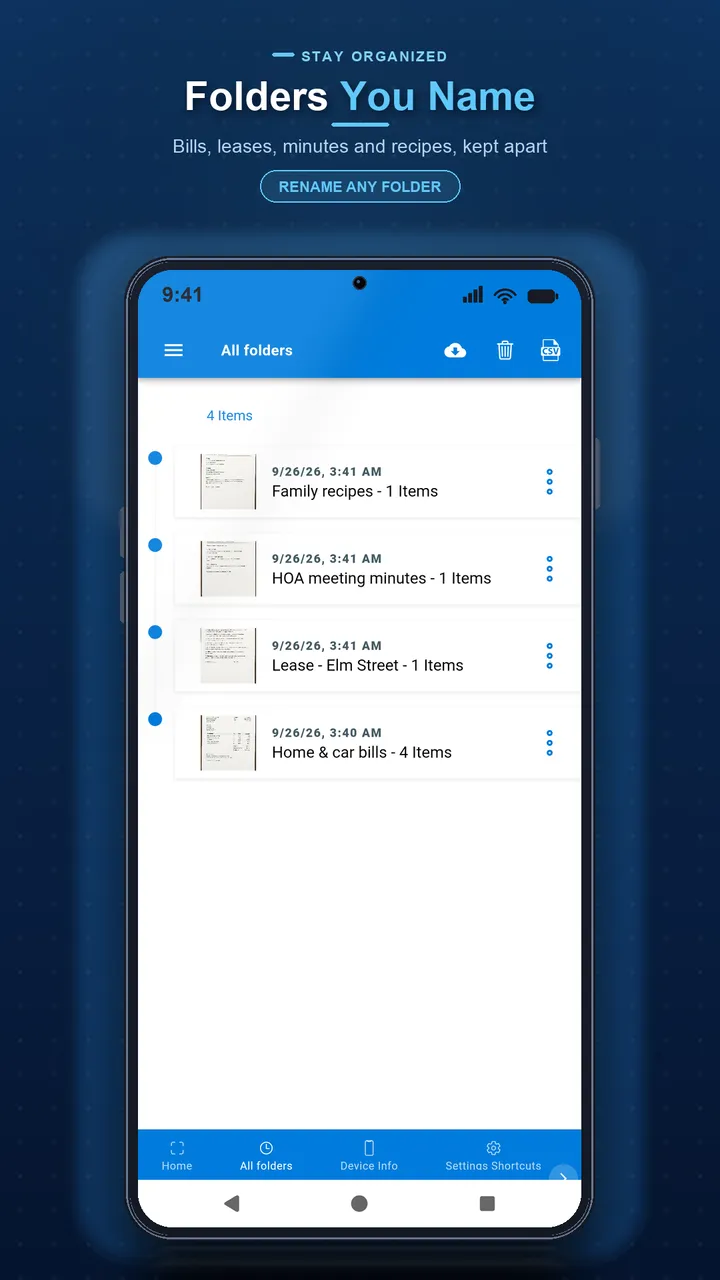
Scans are organized into folders and saved to a local history.
Automatic document edge detection with manual corner adjustment, so a scan still comes out straight when the auto-detect needs a nudge.
Pull editable text out of a scan in more than 100 languages. OCR is a Pro feature, with a one-time free run available by watching a rewarded ad where offered.
Add a password to a PDF before sharing it, and keep scans organized into folders with crop, filter and reorder tools.
Automatic document edge detection with manual corner adjustment, so a scan still comes out straight when the auto-detect needs a nudge.
Pull editable text out of a scan in more than 100 languages. OCR is a Pro feature; a one-time free run is available by watching a rewarded ad where offered.
Keep image and document folders organized, and revisit every past scan from the history page.
Crop, apply a filter and reorder pages before you finish a multi-page document.
Add a password to a PDF before you share it, so a sensitive document isn't readable by just anyone who opens the file.
Share a scan or a finished PDF through your device's normal share sheet to email, messaging, or any app you have installed, including your cloud storage app.
Capture a document with your camera or import existing images. Edges are detected automatically, with manual corner adjustment when you need to correct them.
Open any page's actions to crop it or apply a filter, adjusting brightness and contrast so the scan is easier to read.
Convert a scanned page, or a multi-page batch, into a PDF. Reorder pages before you save or share the finished document.
Run text recognition across 100+ languages to copy or search the text in a scan. Gated as a Pro feature, with a one-time free run available by watching a rewarded ad where offered; OCR purchases are not offered in every region.
Set a password on a PDF before sharing it, so the file requires that password to open.
Organize scans into image and document folders, rename or move folders, and browse every past scan from the history page. Backing up that history to a file is a Pro feature.
Turn your phone into a document scanner. Lighting, edge detection, PDF vs image, OCR and file size — how to get a scan that looks like a scan, not a photo.
Resize and compress photos on Android and iPhone. Pixels vs file size, which format to use, how to hit an upload limit, and what actually destroys quality.
Every way to pull editable text out of a photo on Android and iPhone: the native Live Text and Google Lens tools built into your phone, plus dedicated OCR apps.
What private actually means for notes apps: local vs cloud storage, device lock vs encryption, what a screenshot or backup exposes, and how to lock notes.
Receipts, notes, reports, business cards, photos and any other paper document you can capture with your phone's camera or import from your photo library.
The app analyzes the camera image to find the document's edges and crops to them automatically. You can also drag the corners by hand if the automatic detection needs adjusting.
OCR is a Pro feature. Where offered, you can run it once for free by watching a rewarded ad; otherwise it requires the Pro upgrade. Pro purchases, including OCR, are not offered in every region.
The app's OCR engine supports more than 100 languages, including English, Spanish, French, German, Chinese, Japanese, Arabic and Hebrew.
The app's text recognition runs on your device, but the recognition data for a language you haven't used yet downloads the first time, so you'll need a connection the first time you use a new language.
Yes. Scan or import multiple pages, reorder them, then convert the set into a single PDF.
Yes. Set a password on a PDF before sharing it so it can't be opened without that password.
Scans and scan history are stored locally on your device. The app does not upload your documents to Yalintech servers and has no built-in sync to iCloud, Google Drive or Dropbox; you can share a file to those apps yourself, and backing up your history to a file is a Pro feature.
Use the share option to send a file through email, messaging apps, or any other app installed on your device, including your preferred cloud storage app.
Camera access to scan documents, and storage/photo access to import existing images and save your scans and PDFs.
Download now and see why millions of users trust our apps.
Other Yalintech apps you might find useful.